How it works
Four steps to a paid community you own
Set up your community, organize it, set your prices, and invite your members. Your 14-day trial covers all four.
-
Step 1
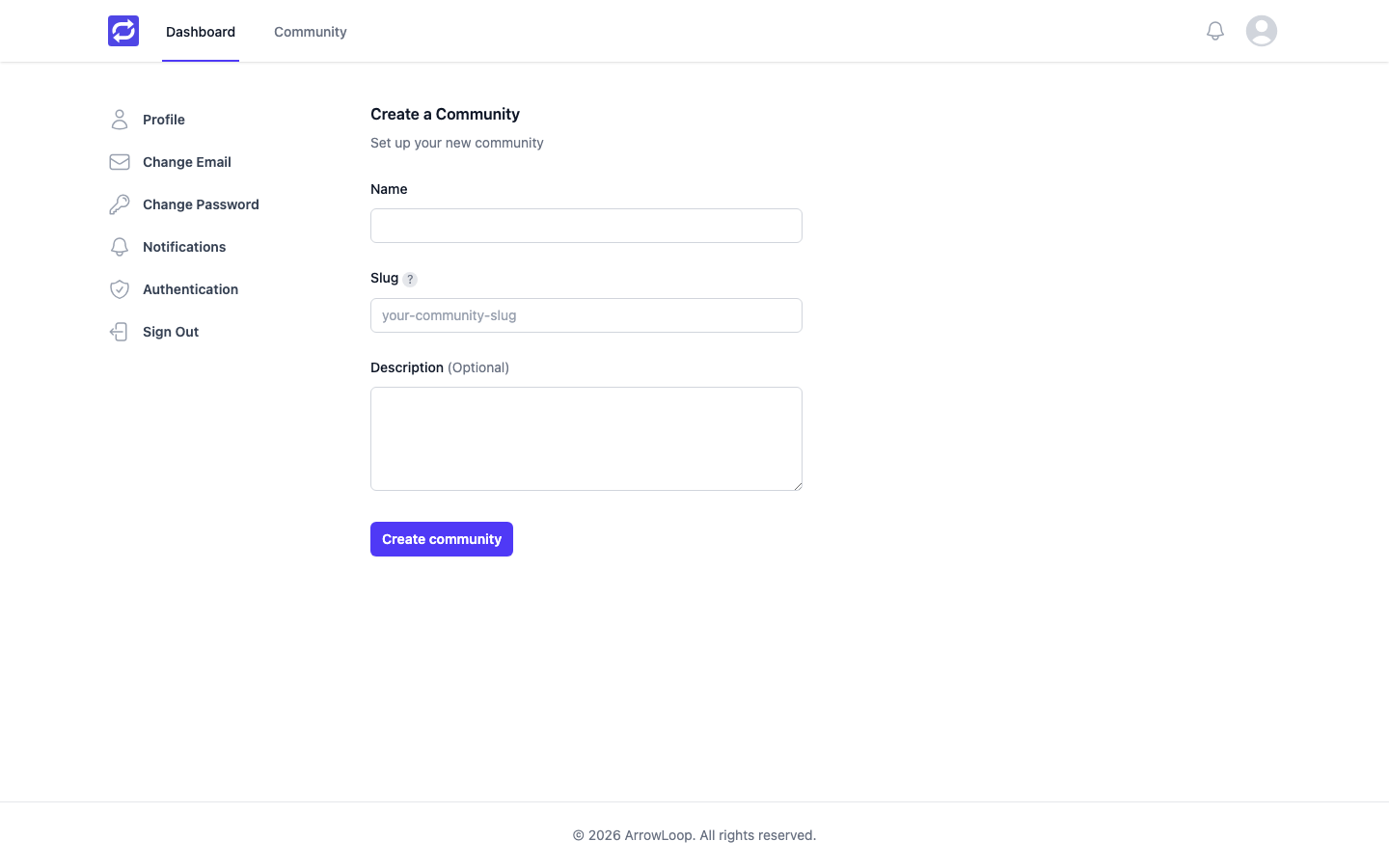
Create your community
Name it, add your logo, cover image, and accent color, and choose who can join: anyone, only people you invite, or paying members only. The setup wizard walks you through it.
-
Step 2
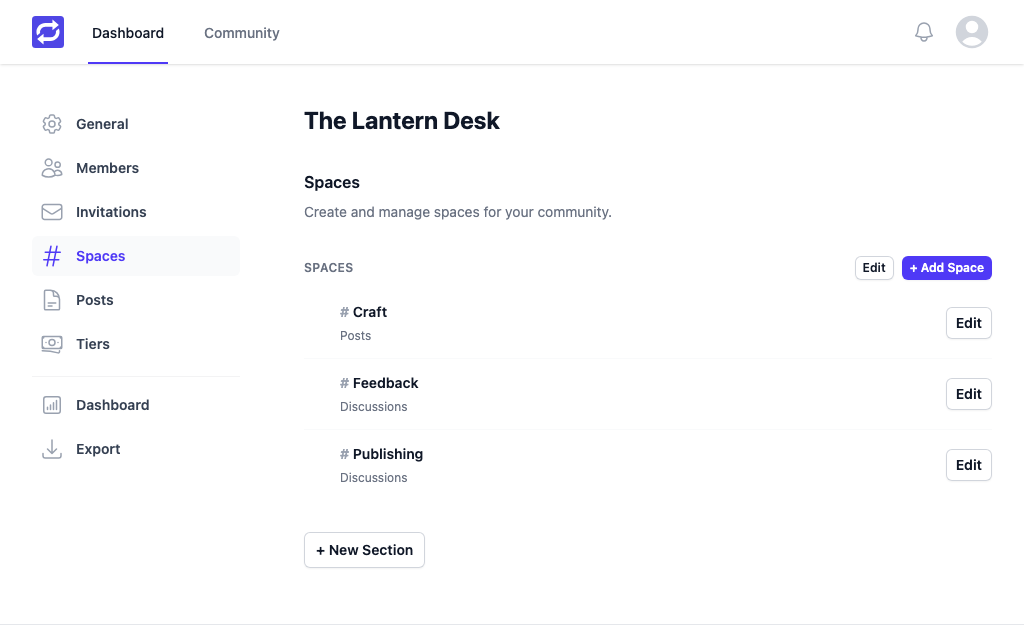
Organize it
Add spaces for discussions and posts, and choose which tiers can see each one. Give admins and moderators the roles they need, while you stay the owner.
-
Step 3
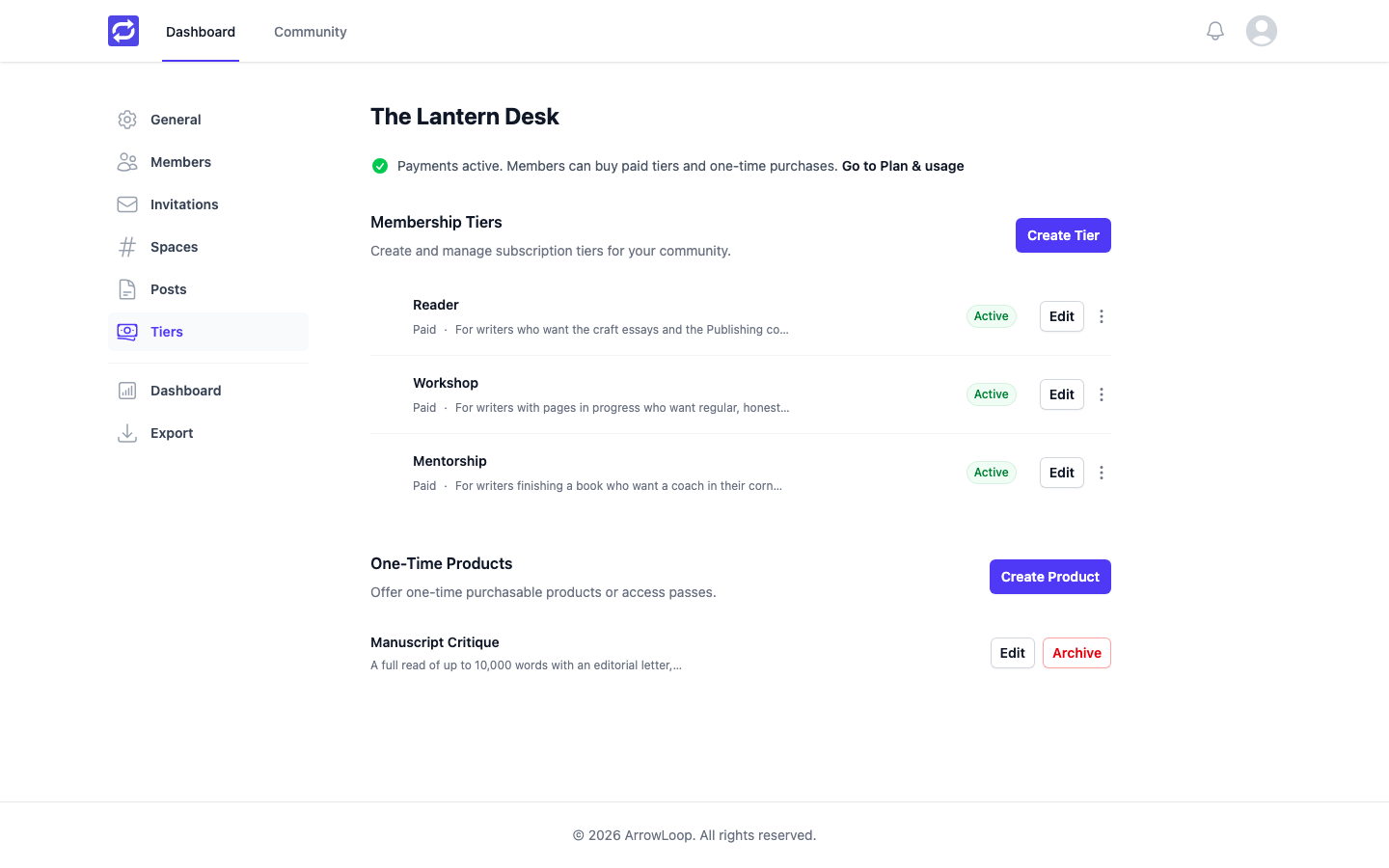
Set your prices
Connect your own Stripe account, then add free and paid tiers with monthly or annual prices, one-time purchases, and promotion codes. Members pay you directly.
ArrowLoop takes 0% of your members' payments on every plan today. You pay only Stripe's processing fees, as with any Stripe account.
-
Step 4
Invite and measure
Share invitation links, and let welcome and digest email bring members back. Your dashboard shows member growth, with revenue and churn charts on plans that include advanced analytics.
Compare plans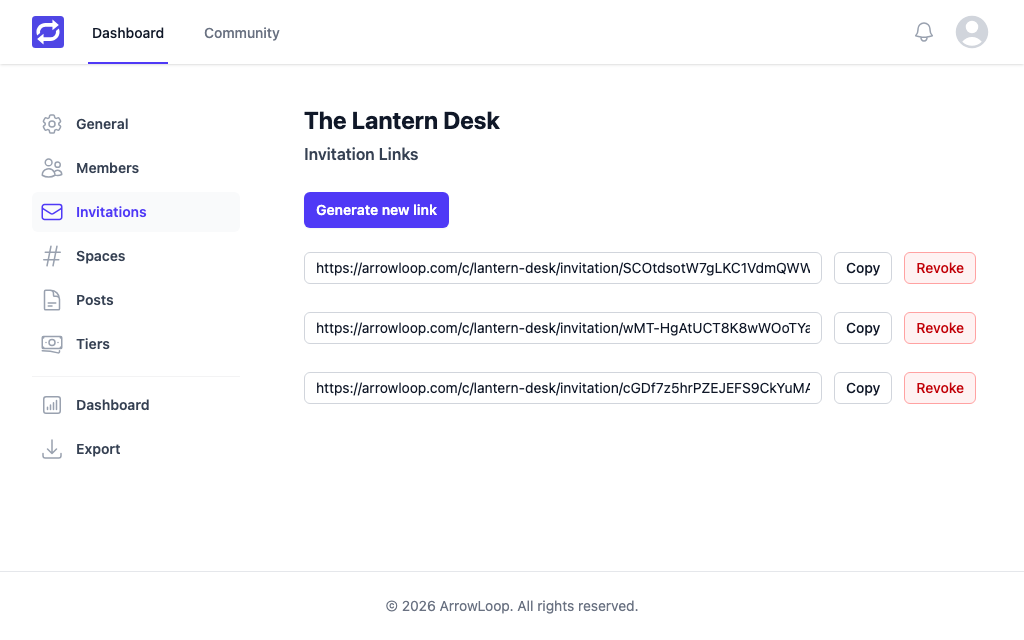
Start your community today
Try every Pro feature free for 14 days. No card required.